Television offers the perfect escape from the daily struggles of life. Just switch on your HDTV after a long work session, tune your favorite channel, relax into the coziest couch and laugh along with the relatable characters. It’s that easy! TV also beats stress, which is why it is an essential element in any modern household. There are several ways you can bring some TV entertainment into your day-to-day routine. You can subscribe to a classy cable TV service, like TWC TV, to enjoy quick access to local broadcasts, top national and international channels, and even premium networks. Or, you can cut the cord and sign up for TV streaming.
What is TV streaming anyway? TV streaming is a type of television delivery system that uses the internet to transmit video programming to viewers’ homes. Since internet technology is readily available nowadays, so millions of people around the world enjoy television content through streaming TV. It is easy to manage, sports a flexible interface, maintains universal compatibility, and has startling affordability. In this post, we’ll dive deeper into TV streaming and show you how you can also set it up at home.
What Do You Need For TV Streaming?
Mainly, here are the things you need, to start your streaming TV experience right away, and chances are that you may already own them. These are:
Why an internet connection? Because TV streaming cannot work without it. The internet is the life and blood of streaming TV, which uses the World Wide Web to distribute digital content. If you don’t have internet service at home, you cannot tap into the exclusive original series and blockbuster hits carried by the best streaming services out there. So, acquire a fast internet connection, preferably with 25 Mbps or more download power, to stream on multiple devices without facing lag.
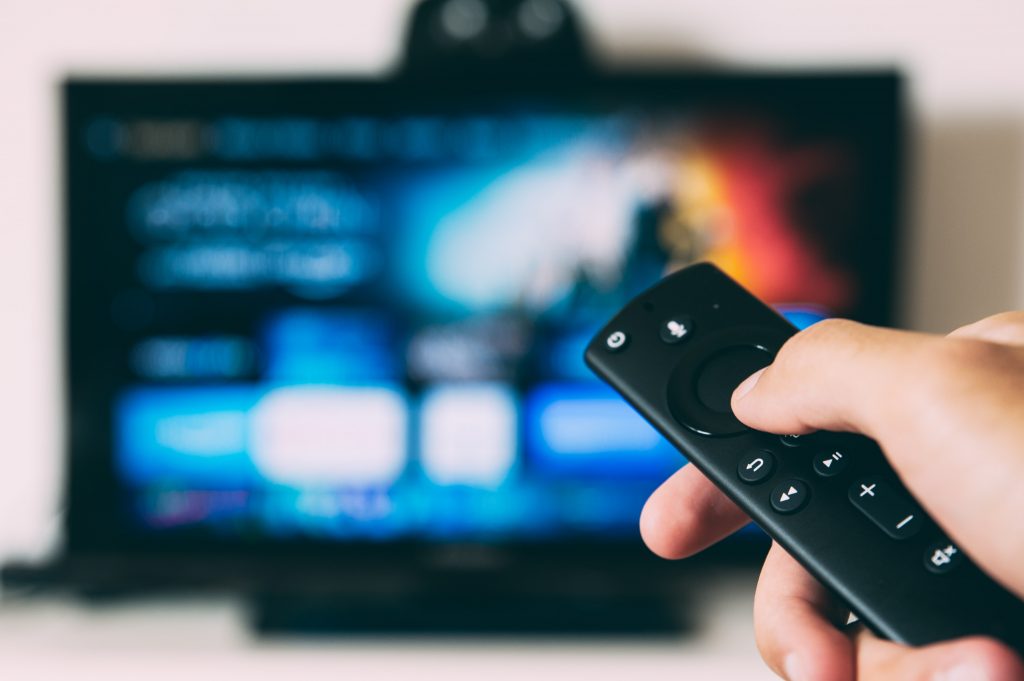
Why a streaming device? Because a console allows you to download and access hundreds of streaming apps on one platform. Roku, Apple TV 4K, Chromecast, and Amazon Fire TV Stick are the best streaming devices in the market, which you can connect to your chosen display through the HDMI port and navigate with the help of a remote that comes alongside it. Some people, especially those who are avid gamers, prefer to use a gaming console like Xbox One or PlayStation 4 as a streaming device, too.
Why a TV display? Because you need a screen to view the streaming content. Most of the TV sets these days come equipped with at least one HDMI port, which is crucial for connecting the streaming device to it. You can buy an HDTV with the perfect pixel resolution, contrast, and brightness setting, and HDR to see the characters come to life on your television screen.
Why a streaming service subscription? Because you cannot watch exclusive original content, otherwise. In this regard, you can go for live TV streaming services like fuboTV that air your favorite sports games as they are broadcasted in HD. Or, you can get a video-on-demand streaming service subscription from giants like Netflix, Hulu, Disney+, Peacock, or Amazon Prime and catch their original series and movies fresh out of the oven. There are also free streaming sites available like Crackle or Tubi TV for which you don’t have to pay a monthly bill. No matter which service you go for, you will find an application version of it, which you can download on your streaming device to stream the content on your connected display.
How Do You Set Up TV Streaming?
Once you have double-checked the aforementioned checklist, now, you can begin setting up your TV streaming equipment. Here’s how you can do that:
How Much Will TV Streaming Cost You?
Time to break down the costs for TV streaming. First, you have your monthly internet bill, which might be around $50 on average. Then, streaming service subscription, which might cost you $20 if you mix Netflix with Disney+. Altogether, you can enjoy the whole streaming TV experience for about $70 a month, which is still more affordable than the cable that extracts $100 out of your pocket per month, at least!
Wrapping Up
TV streaming is a wonderful addition to your entertainment unit. This post gives you the right pointers to create your streaming TV system at home and binge-watch your favorite shows on end.
You can view the original article HERE.


![[Rebecca Lim] 160312 The Celebrity Sports Day captain's ball](https://celebrityfanfare.com/wp-content/uploads/2021/06/1623601529_maxresdefault-203x150.jpg "[Rebecca Lim] 160312 The Celebrity Sports Day captain's ball")